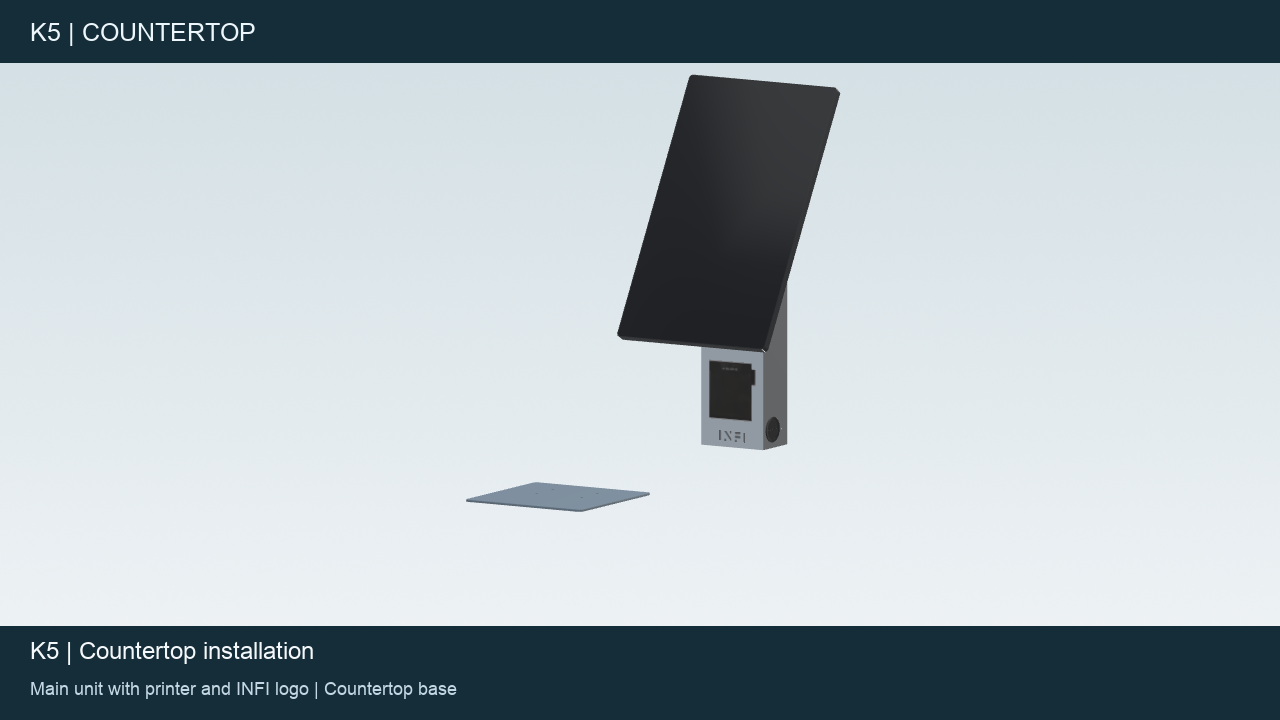
This article covers the standard K5 Countertop kiosk shown in the installation video. The K5 Display Unit with a countertop stand uses separate installation materials.
Watch before starting
- Watch or download the K5 Countertop installation video
- Open the K5 Countertop installation page
- Explore the K5 Countertop in 3D
Position the plate
Keep external power disconnected. In the video, the countersunk side of the plate faces down. The larger plate area faces the front of the kiosk (the screen, printer and customer side), and the side where the holes are closer to the edge faces the rear.
Align and secure the unit
Align the kiosk with the plate as shown in the video. Install the four supplied screws and tighten them in sequence. Confirm the orientation and hardware against the kit supplied with your unit. If the plate, mounting points or supplied parts differ from the video, contact INFI Support before assembly.
Before using the kiosk
Check that all four fixing points are secured and that the kiosk is stable. Follow the connection instructions supplied with the unit. Ask INFI Support for help with power or network connections, kiosk login and any payment-device setup.
This video covers the standard countertop host and plate assembly. Use the matching instructions for any separately supplied payment-device mounting kit.
Need help?
Contact support@infi.us. Include your store name, kiosk model, a photo of the installation or error message, and a short description of the step you need help with.