This guide is for the standard K5 Wall-mount kiosk. The K5 Display Unit Wall-mount has a separate installation guide and mounting materials.
Installation resources
- Open the illustrated, step-by-step K5 Wall-Mount Installation guide
- Watch or download the installation video
- View the wall-mounted K5 in 3D
Before you begin
Two installers are required to lift and hang the kiosk. Keep external power disconnected during assembly. Before drilling, have a qualified installer confirm the wall construction, any reinforcing backing, and the fixings required for the site against the wall requirements in the illustrated guide. Check for concealed pipes and electrical wiring. Follow the selected fixing manufacturer's installation instructions.
1. Identify the brackets
Bracket A is the wall-side bracket; Bracket B is the kiosk-side bracket. Separate them if needed and keep the two lower retaining screws for the final locking step.
2. Position and mark Bracket A
Hold Bracket A level with its engagement section facing upward. Use the actual bracket to mark all six wall fixing positions.
3. Prepare the wall and secure Bracket A
After the installer has approved the wall and fixings, prepare the holes to the fixing manufacturer's specified diameter, depth and method. Clear the dust and install the anchors as specified. Align Bracket A at all six fixing positions, start all six screws, and tighten them evenly with the correct tool. Check that the bracket is level and stable.
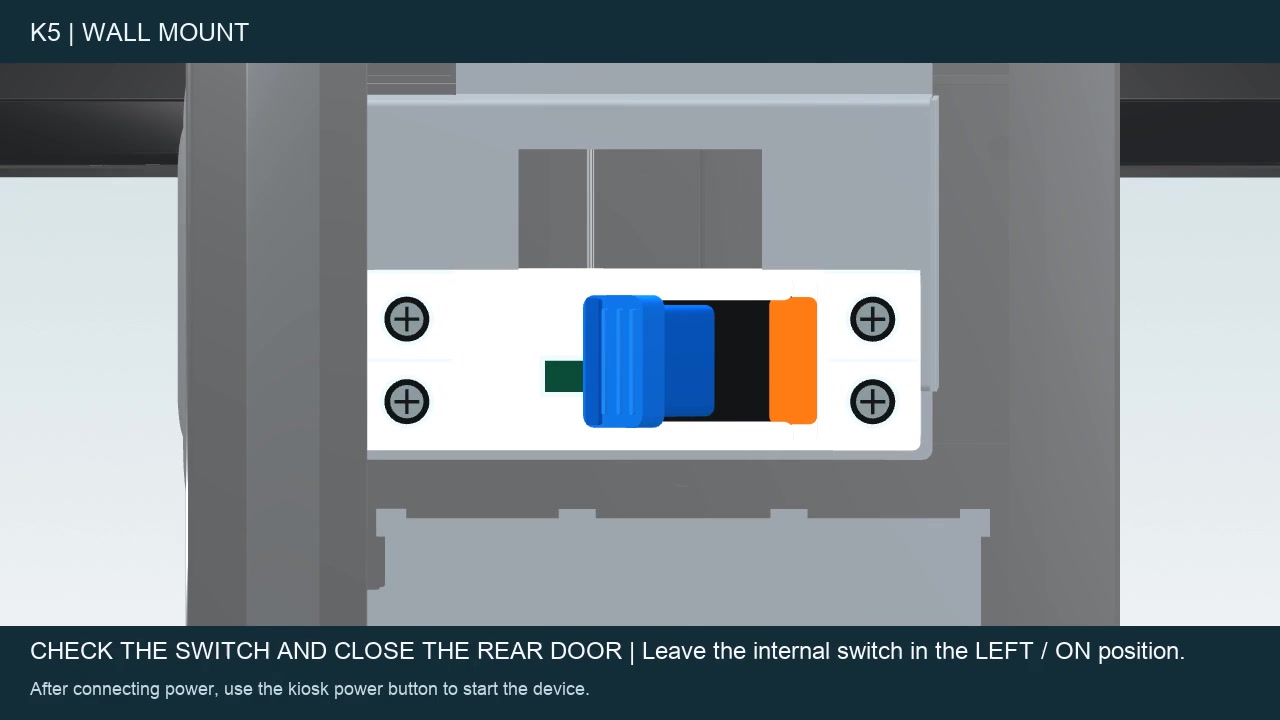
4. Prepare the internal power switch
With external power still disconnected, open the rear access panel before hanging the kiosk. Set the internal switch to the ON position shown in the guide, close the panel, and check cable clearance.
5. Fit Bracket B and route the cables
Align the rear and lower mounting points and install the supplied fasteners. The illustrated configuration shows two rear and four lower fixing positions. Route the power lead through the intended opening, using the supplied grommet where applicable. Leave working slack and keep cables clear of hooks, fixing points and cover edges.
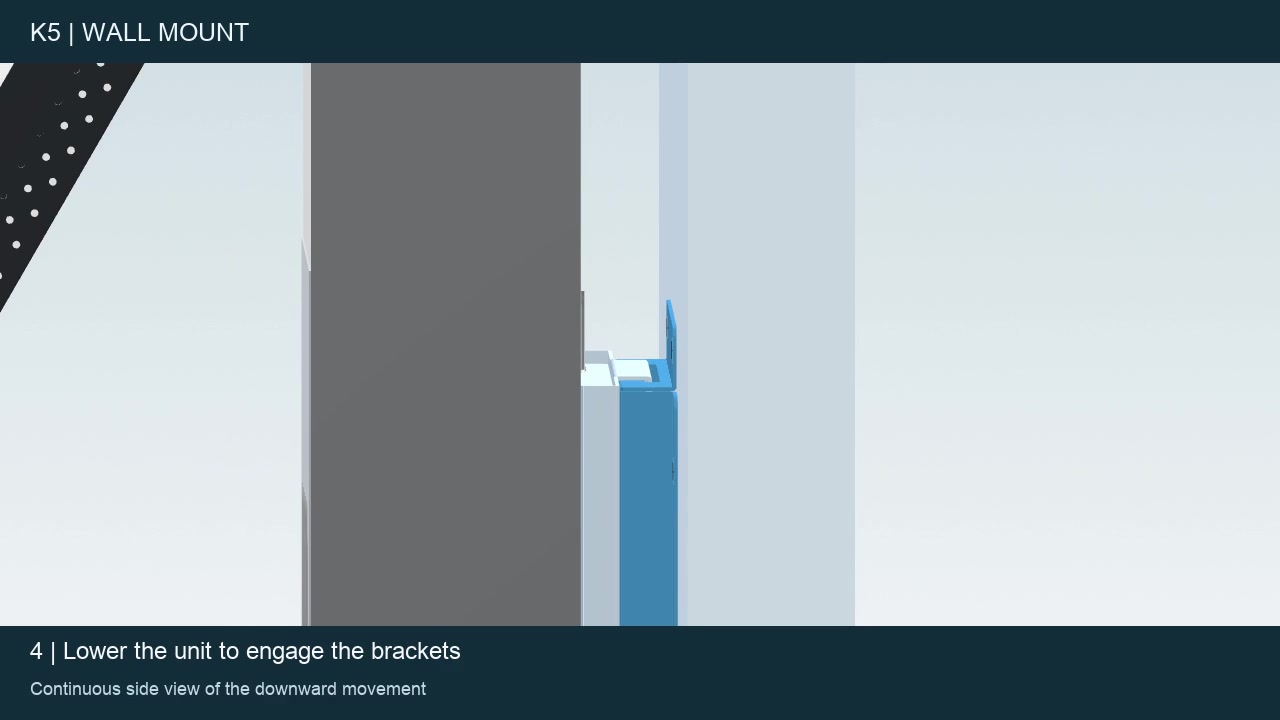
6. Hang the kiosk
With two installers supporting the kiosk, position Bracket B above Bracket A. Align both engagement points and lower the kiosk evenly until seated. Keep supporting it until the engagement is confirmed.
7. Install the lower retaining screws
Install the two screws retained in Step 1. Tighten them with the correct tool and confirm that both lower retaining points are secured.
Final checks
- The kiosk is level and stable.
- Both lower retaining screws are installed.
- Cables are clear of the brackets and covers.
- Connect the external power supply as specified for the unit and confirm normal start-up on the actual screen.
- If fitted, install and check the selected payment device using its matching kit and instructions.
Need help?
Contact support@infi.us. Include your store name, kiosk model, a photo of the installation or error message, and a short description of the step you need help with.